
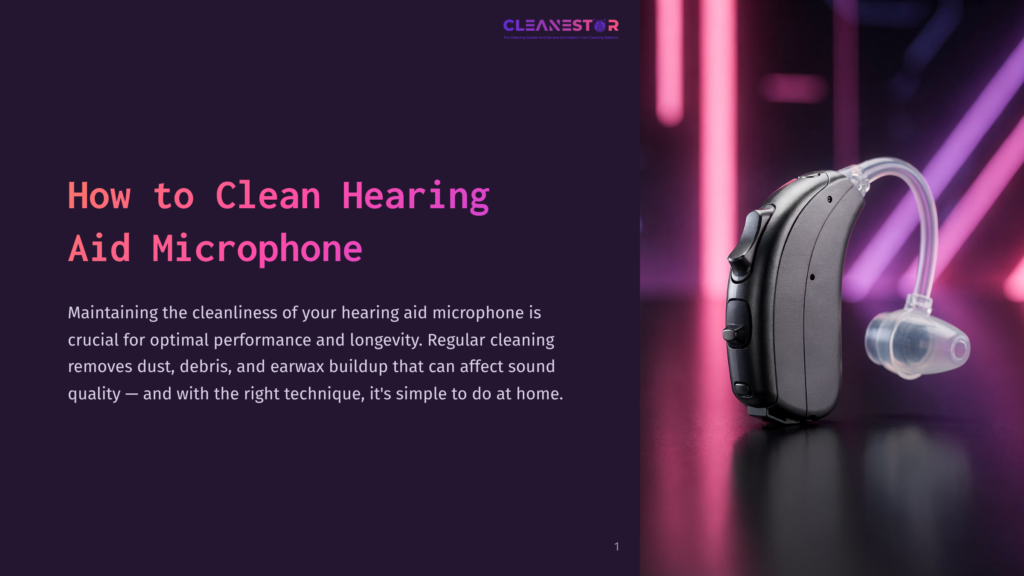
To clean a hearing aid microphone, gently wipe it using a soft, dry cloth. Maintaining the cleanliness of your hearing aid microphone is crucial for optimal performance and longevity.
Regular cleaning helps remove dust, debris, and earwax buildup that may affect sound quality. However, it’s important to clean the microphone delicately to avoid any damage. We will provide you with simple and effective steps to clean your hearing aid microphone.
By following these instructions, you can ensure that your hearing aid continues to provide clear and crisp sound for years to come. So let’s dive right in and learn how to properly clean your hearing aid microphone.
Why Regular Cleaning Of Hearing Aid Microphone Is Important
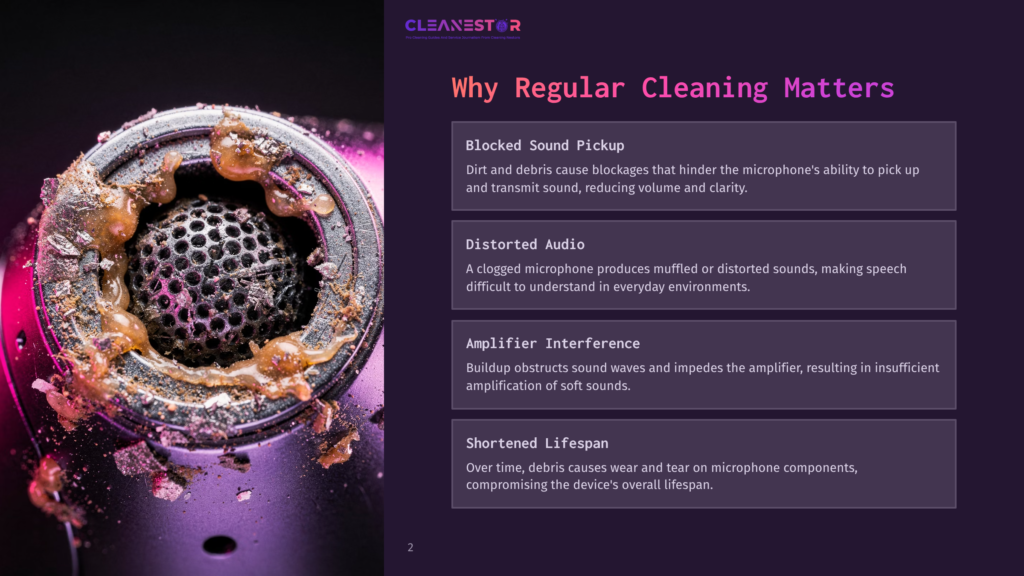
Regular cleaning of the hearing aid microphone is crucial for ensuring optimal performance and sound quality. Over time, dirt, debris, and earwax can accumulate on the microphone, impacting its functionality. In this section, we will explore the effects of dirt and debris on microphone performance as well as how buildup can affect sound quality and amplification.
Effect Of Dirt And Debris On Microphone Performance
- Dirt and debris can cause blockages in the microphone, hindering its ability to pick up and transmit sound effectively.
- Accumulated dirt can lead to decreased sensitivity of the microphone, resulting in reduced volume and clarity in auditory experiences.
- A clogged microphone may also produce distorted or muffled sounds, making it challenging to understand speech or detect specific sounds.
- The accumulation of debris can potentially cause the microphone to malfunction or cease functioning altogether, rendering the hearing aid useless.
How Buildup Affects Sound Quality And Amplification
- When dirt and debris obstruct the microphone, they interfere with sound waves entering the device. This obstruction can alter the frequency response and distort the sound signal.
- The buildup on the microphone can also impede the proper functioning of the amplifier, affecting the amplification process. This can result in insufficient amplification, leading to difficulty in hearing soft sounds or understanding conversations in noisy environments.
- Over time, the presence of debris may cause wear and tear on the microphone’s components, compromising its overall lifespan.
Regularly cleaning the hearing aid microphone helps prevent these issues and ensures optimal performance. Maintaining a clean microphone not only enhances the sound quality and amplification but also prolongs the lifespan of your hearing device.
Tools And Supplies Needed For Cleaning
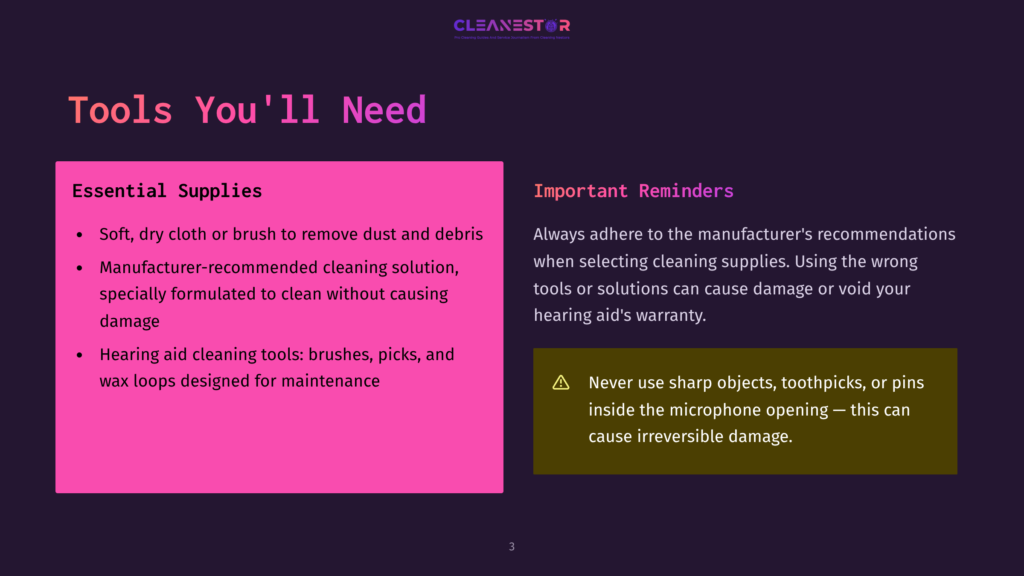
To keep your hearing aid microphone in top condition, you’ll need a few tools and supplies specifically designed for cleaning. Here are the essentials:
- Soft, dry cloth or brush: To remove any dust or debris from the microphone, use a soft, dry cloth or brush. Gently wipe or brush the microphone to ensure it’s clear of any obstructions.
- Cleaning solution recommended by the manufacturer: Check with the manufacturer of your hearing aid for a recommended cleaning solution. This solution is specially formulated to clean the microphone without damaging it. Follow the manufacturer’s instructions on how to use the cleaning solution.
- Cleaning tools specifically designed for hearing aid maintenance: There are various cleaning tools available that are specifically designed for hearing aid maintenance. These tools can include brushes, picks, and wax loops, among others. They help in removing any earwax or debris that may have accumulated in the microphone.
Remember, it’s essential to adhere to the manufacturer’s recommendations when using any cleaning supplies. Using the wrong tools or solutions can lead to damage or even void the warranty of your hearing aid. Regular cleaning, using the appropriate tools and supplies, will help ensure your hearing aid microphone performs at its best.
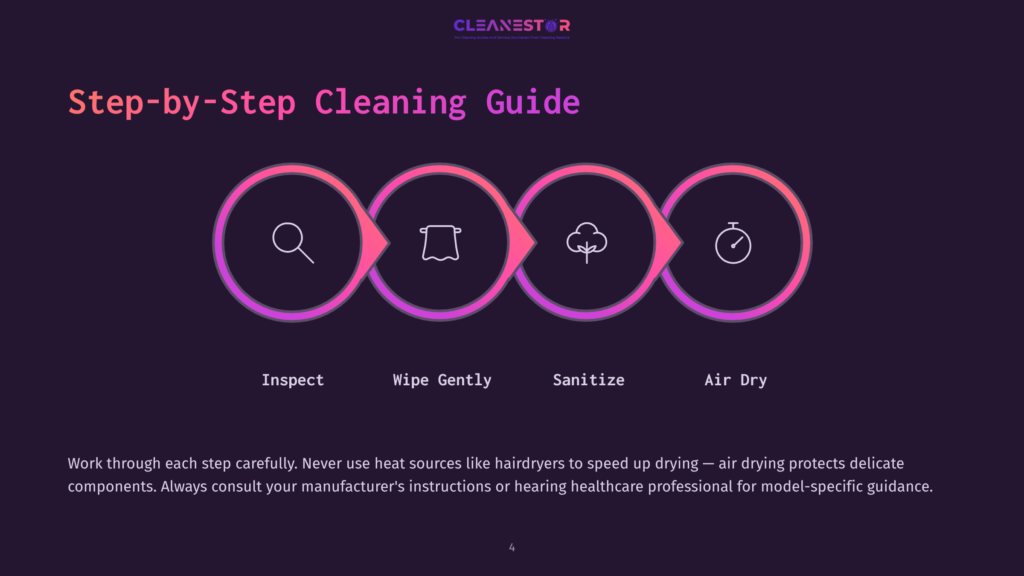
Step-By-Step Guide To Cleaning The Microphone
Learn how to effectively clean your hearing aid microphone with this step-by-step guide. Keep your device in top shape by following these easy-to-follow instructions.
Inspect the microphone for visible dirt or debris:
- Carefully examine the microphone of your hearing aid to identify any dirt or debris that might have accumulated.
- Look for any visible signs of buildup, such as dust, earwax, or moisture.
- Take note of the areas that require cleaning before proceeding to the next step.
Gently clean the microphone using a soft cloth or brush:
- Start by using a soft cloth or brush specifically designed for cleaning delicate surfaces.
- Ensure that the cloth or brush is clean before using it to avoid transferring more dirt or debris onto the microphone.
- With gentle strokes, wipe or brush the microphone in a back-and-forth or circular motion.
- Be cautious not to apply excessive force, as it may cause damage to the microphone.
Use the recommended cleaning solution to sanitize the microphone:
- Check the manufacturer’s instructions or consult your hearing healthcare professional to identify the appropriate cleaning solution for your hearing aid.
- Apply a small amount of the recommended cleaning solution to a clean cloth or cotton swab.
- Gently dab or wipe the microphone with the cloth or swab, being careful not to oversaturate the area.
- This will help remove any remaining dirt or bacteria that could affect the performance of the microphone.
Allow the microphone to dry completely before reinserting the hearing aid:
- After cleaning the microphone, it is essential to ensure that it is thoroughly dry before reinserting the hearing aid into your ear.
- Place the hearing aid in a clean, dry area and allow it to air dry naturally.
- Avoid using heat sources, such as hairdryers or radiators, as they may damage the hearing aid or microphone.
- Once the microphone is completely dry, you can safely reinsert the hearing aid and resume using it.
Cleaning the microphone of your hearing aid is a vital maintenance step to ensure optimal performance and longevity. By following this step-by-step guide, you can effectively clean the microphone and prevent any potential issues caused by dirt or debris buildup.
Remember to refer to the manufacturer’s instructions or seek guidance from your hearing healthcare professional for specific cleaning recommendations for your hearing aid model. Maintaining a clean microphone will contribute to clear and uninterrupted sound quality for your hearing aid.
Tips For Safe And Effective Cleaning
Cleaning the microphone of your hearing aid regularly is crucial for ensuring optimal performance and preventing the buildup of debris. However, it’s essential to clean it safely and effectively to avoid damaging the delicate components. Here are some tips to help you clean your hearing aid microphone properly:
Avoid using sharp objects or excessive force while cleaning: Gently wipe the microphone surface with a soft, dry cloth to remove any visible dirt or wax. Do not insert anything into the microphone opening, such as toothpicks or pins, as this can cause damage. Be cautious not to apply too much pressure or use any abrasive materials that can scratch the surface.
Follow the manufacturer’s instructions for cleaning and maintenance: Manufacturers often provide specific guidelines on how to clean their hearing aids, including the microphone. Read and follow these instructions carefully to ensure you don’t accidentally void the warranty or cause any damage. If you can’t find the instructions or are uncertain, contact the manufacturer or your hearing healthcare professional for guidance.
Clean the hearing aid microphone regularly to prevent buildup: Regular cleaning prevents the accumulation of debris, which can impede the microphone’s performance. Use a hearing aid cleaning brush to gently remove any wax or dirt from the microphone area. Consider using a wax filter or protective cover recommended by the manufacturer to prevent wax buildup.
Remember, maintaining a clean hearing aid microphone is vital for optimal performance and extending its lifespan. By following these tips, you can ensure safe and effective cleaning without compromising the functionality of your hearing aid.
Troubleshooting Common Issues With Microphone Cleaning
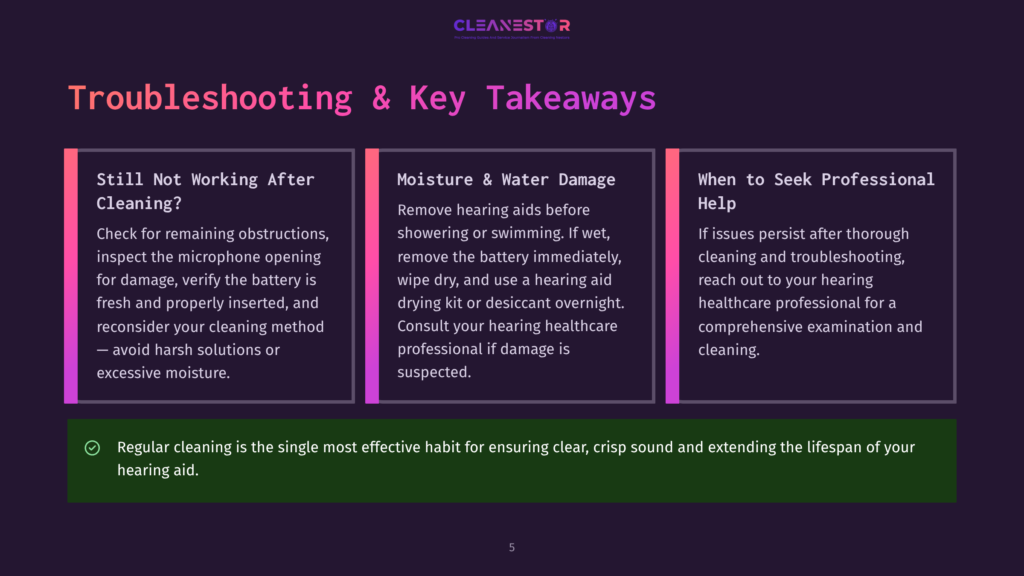
If your hearing aid microphone is still not functioning properly even after you’ve cleaned it, don’t worry! Sometimes there are underlying issues that can hinder the effectiveness of the cleaning process. Here are some troubleshooting tips to help you get to the bottom of the problem:
- Check for obstructions: Ensure that there are no visible obstructions, such as wax or debris, blocking the microphone. Use a small brush or soft cloth to gently remove any buildup.
- Inspect the microphone opening: Take a closer look at the microphone opening to see if there are any signs of damage or blockage. Cleanse the area with a soft, dry cloth or a specialized hearing aid cleaning tool.
- Consider the cleaning method: Reflect on the cleaning method you used. If you have been using a harsh cleaning solution or excessive moisture, it could adversely affect the microphone. Switch to a gentle cleaning solution recommended by your hearing healthcare professional.
- Check the battery: A weak or dying battery can result in microphone issues. Make sure your battery is properly inserted, and if necessary, replace it with a new one to see if the microphone functionality improves.
- Professional assistance: If all else fails, it may be time to seek professional assistance. Reach out to your hearing healthcare professional for a thorough examination and cleaning of the microphone.
Tips For Dealing With Moisture Or Water Damage To The Microphone
Moisture or water damage can negatively impact the performance of your hearing aid microphone. Here are some tips to handle this specific issue:
- Prevention is key: Avoid exposing your hearing aids to excessive moisture or water. Remove them before showering, swimming, or participating in activities that may result in sweat buildup. Consider using a hearing aid dehumidifier or a drying kit to remove excess moisture.
- Dry thoroughly: If your hearing aid does get wet, remove the battery immediately and wipe it dry. Use a hearing aid drying kit or desiccant overnight to ensure thorough drying. Avoid using heat sources like hairdryers as they can cause damage.
- Consult your professional: Reach out to your hearing healthcare professional for further guidance. They can assess the extent of the damage and provide appropriate solutions or repairs.
Remember, proper care and maintenance of your hearing aid microphone are crucial for optimal performance. Regular cleaning and addressing any issues promptly will help you enjoy clear and crisp sound from your hearing aids.
Frequently Asked Questions on How To Clean a Hearing Aid Microphone
How Do You Clean Hearing Aid Microphones?
To clean hearing aid microphones, gently wipe them with a dry, soft cloth. Avoid using any liquids or cleaning agents.
Why Is The Microphone On My Hearing Aid Not Working?
The microphone on your hearing aid may not be working due to a technical issue or damage.
How Do I Clean The Microphone On My Phonak Hearing Aid?
To clean the microphone on your Phonak hearing aid, gently wipe it with a clean, dry cloth.
How Do You Clean Hearing Aid Speakers?
To clean hearing aid speakers, gently wipe them with a soft cloth. Avoid using water or liquids.
Conclusion
Overall, keeping your hearing aid microphone clean is essential for optimal performance and longevity. Regularly cleaning the microphone can help prevent any buildup of debris, wax, or moisture, ensuring clear and crisp sound quality. By following the step-by-step guide provided, you can easily clean your hearing aid microphone at home with simple tools and techniques.
Remember to remove the microphone cover and clean it separately, gently clean the microphone using a soft brush or cloth, and use a mild cleaning solution to disinfect the microphone. Also, be cautious of any water or moisture getting inside the microphone, as this can damage the delicate components.
Taking care of your hearing aid and keeping the microphone clean will not only improve your hearing experience but also extend the lifespan of your device. Incorporate regular cleaning into your hearing aid maintenance routine, and you’ll enjoy long-lasting, reliable performance that allows you to fully engage in conversations and activities without any interruptions.
So, make it a habit to clean your hearing aid microphone and enjoy clear and uninterrupted sound quality every day.
As an Amazon Associate, Cleanestor earns from qualifying purchases at no additional cost to you.